Connect2Any revolutionizes offline peer-to-peer file transfer. Experience lightning-fast transfers powered by Google Nearby Connections (Wi-Fi Direct) and seamlessly share files with iPhones, Macs, and Windows PCs via the built-in Ktor Web Server.
Wi-Fi Direct Speed
Offline & Private
Unlimited Size
Say goodbye to sluggish Bluetooth, messy cables, and cloud uploads. Connect2Any provides a native, hardware-accelerated offline transfer experience.
Utilizes hardware Wi-Fi Direct and Bluetooth Low Energy beacons to discover peer Android devices and stream gigabytes of data at peak hardware throughput.
An embedded, asynchronous Ktor HTTP server turns your Android into a local sharing hub. Recipient devices simply scan a QR code to download and upload files via browser.
Transfer single or multiple files of any type — APKs, 4K UHD Videos, RAW Photos, PDFs, ZIP archives, Code files, and Documents — without compression.
Full relational SQLite storage records transfer history, file counts, and speeds offline. Automatically indexes received photos and videos directly into the phone's Gallery.
Point-to-point 4-digit verification PINs guarantee that only authorized peer devices receive files, preventing unsolicited broadcasts or intrusions.
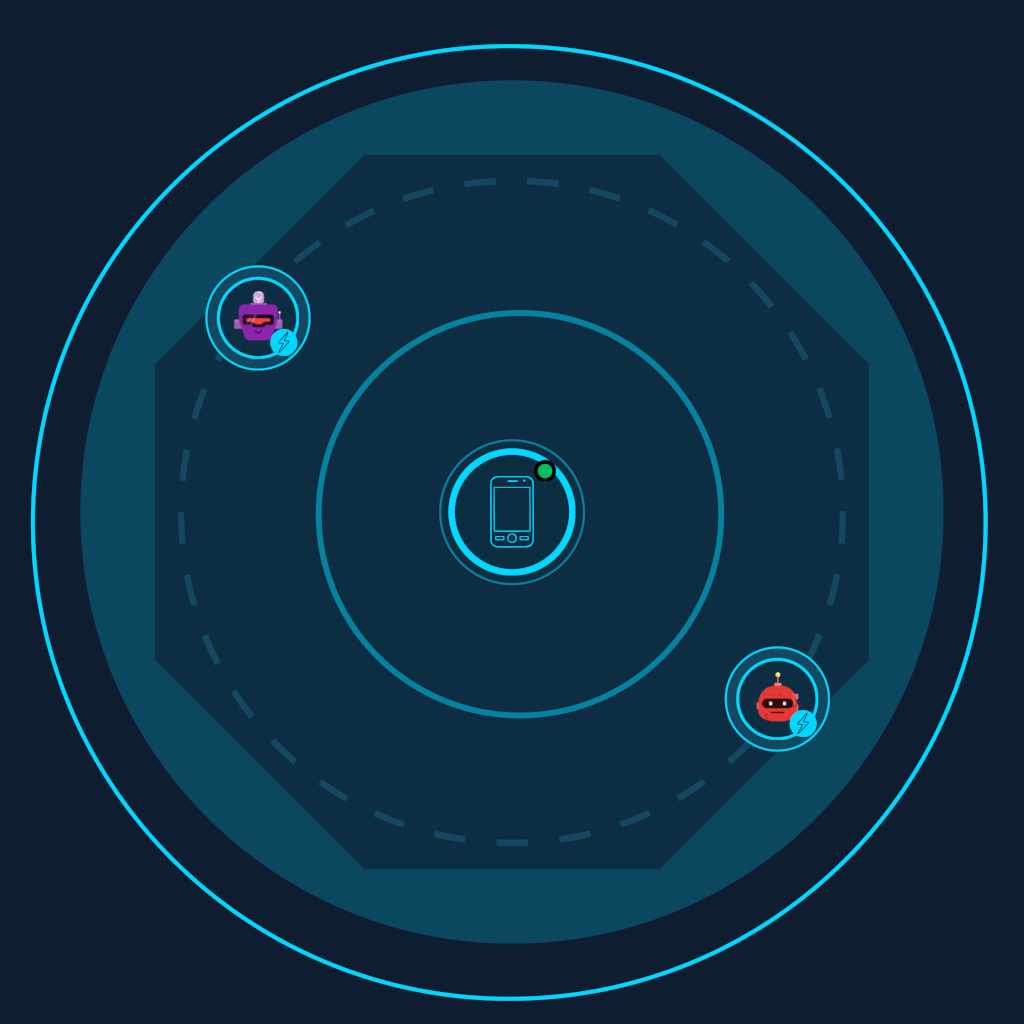
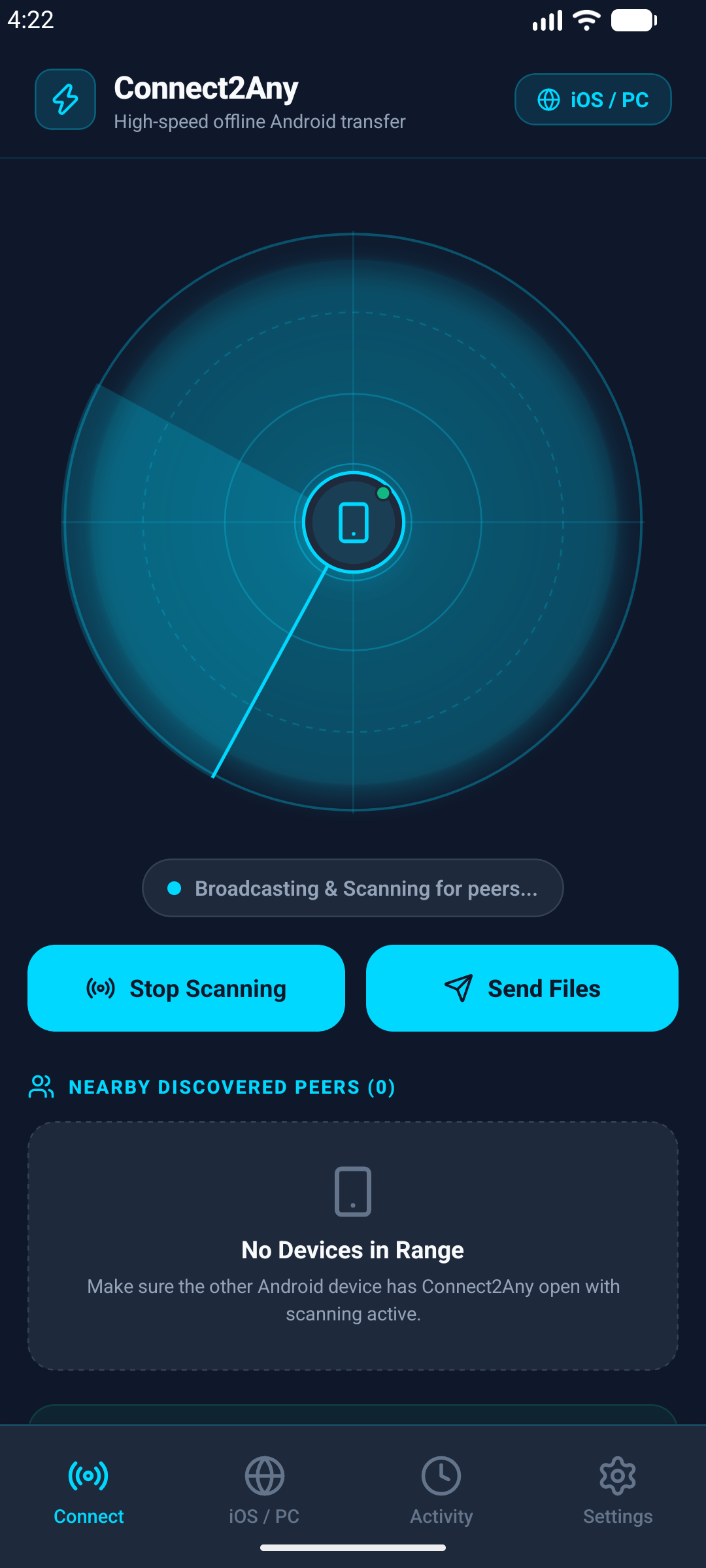
Futuristic polar radar nodes with real-time signal strength and distance computation provide an intuitive, responsive user experience.
Crafted with modern dark-mode aesthetic, glowing neon accents, and smooth animations.
Real-time polar radar visualizes nearby peers within range. Connect securely with peer-to-peer authentication PINs and direct Wi-Fi Direct streaming.
No login, no mobile data usage, and no complex setup.
Open Connect2Any and tap "Scan for Devices" to locate nearby Android phones, or turn on Web Share to share with iPhone & PC.
Pick single or multiple files from your storage — photos, 4K videos, documents, or APK packages — with full multi-selection.
Files transfer over a secure, direct Wi-Fi channel at speeds up to 50+ MB/s. Received files are saved immediately in Downloads.
Everything you need to know about Connect2Any's offline architecture and capabilities.
No! Connect2Any is 100% offline. It creates a local Wi-Fi Direct or personal hotspot connection between devices. No cellular data or external internet connection is ever consumed.
Connect2Any includes an embedded Ktor web server. When you activate "Web Share", your phone hosts a lightweight web portal. The recipient simply connects to your Hotspot/Wi-Fi and opens the link (or scans the QR code) in Safari, Chrome, or Edge to download and upload files directly.
Received files are saved directly into your device's public Downloads/Connect2Any folder. Furthermore, photos and videos are automatically indexed so they appear immediately in Google Photos and Gallery apps.
No file size limits! You can transfer large multi-gigabyte video files, ZIP archives, or full game packages without any compression or throttling.
Connect2Any requires Nearby Devices / Bluetooth permissions (to broadcast and detect peers) and Local Storage permissions (to read selected files and save received files). It never accesses contacts, location data, or external internet servers.
Get Connect2Any for Android today from Google Play and experience seamless peer-to-peer file sharing with zero cloud reliance.